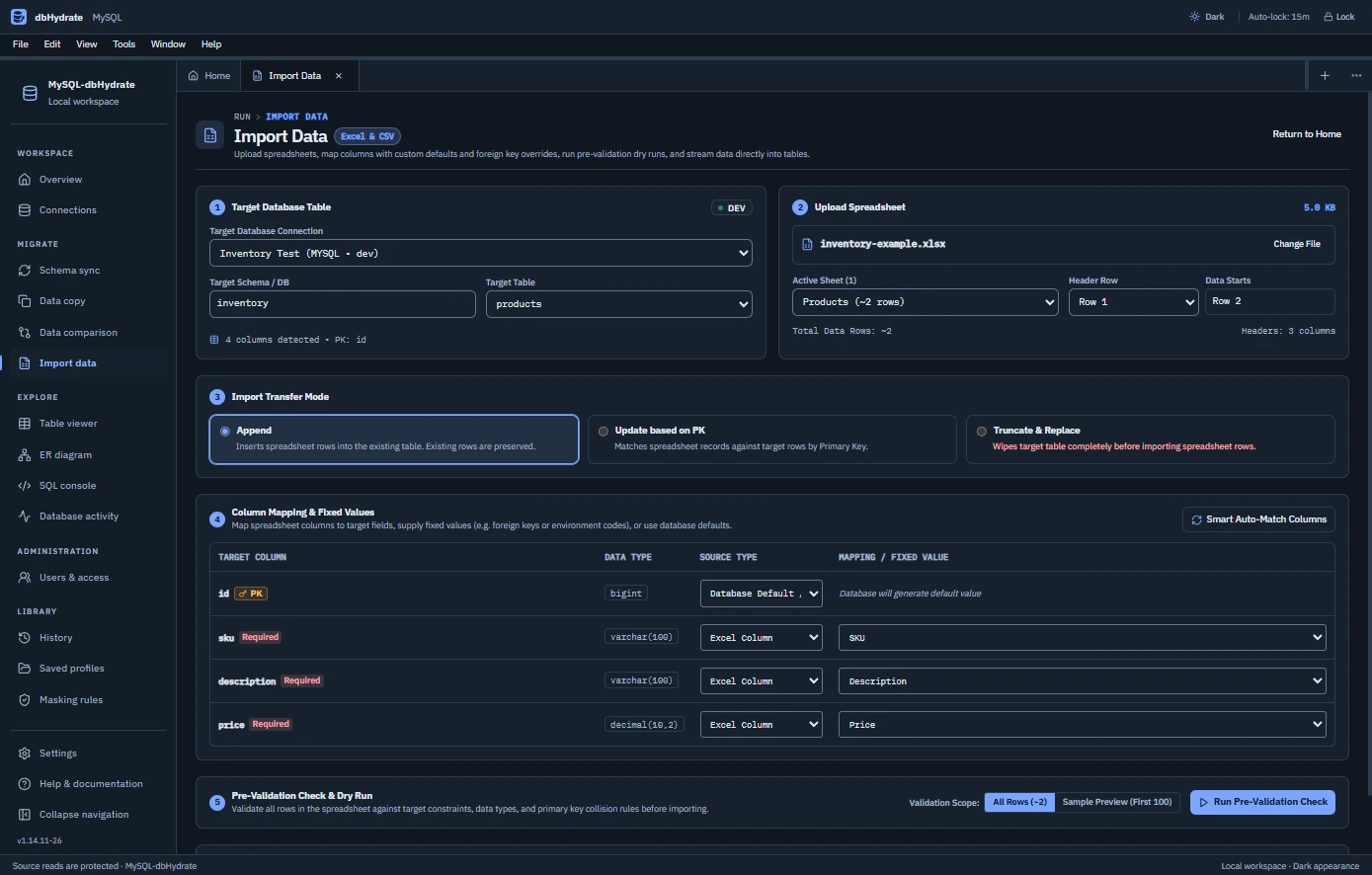
Turn files into mapped records, investigate the results and prepare your next change. A MySQL workspace for application developers and the DBAs who keep their databases working.
Workbook & CSV mappingDELIMITER-aware scriptsShadow-target rehearsalUser and host context
DATA PREPARATION, THEN EVERYTHING ELSE
Follow the data through MySQL.
Start with mapped input. Keep working with SQL, schema definitions, related records and permissions in the same desktop edition.
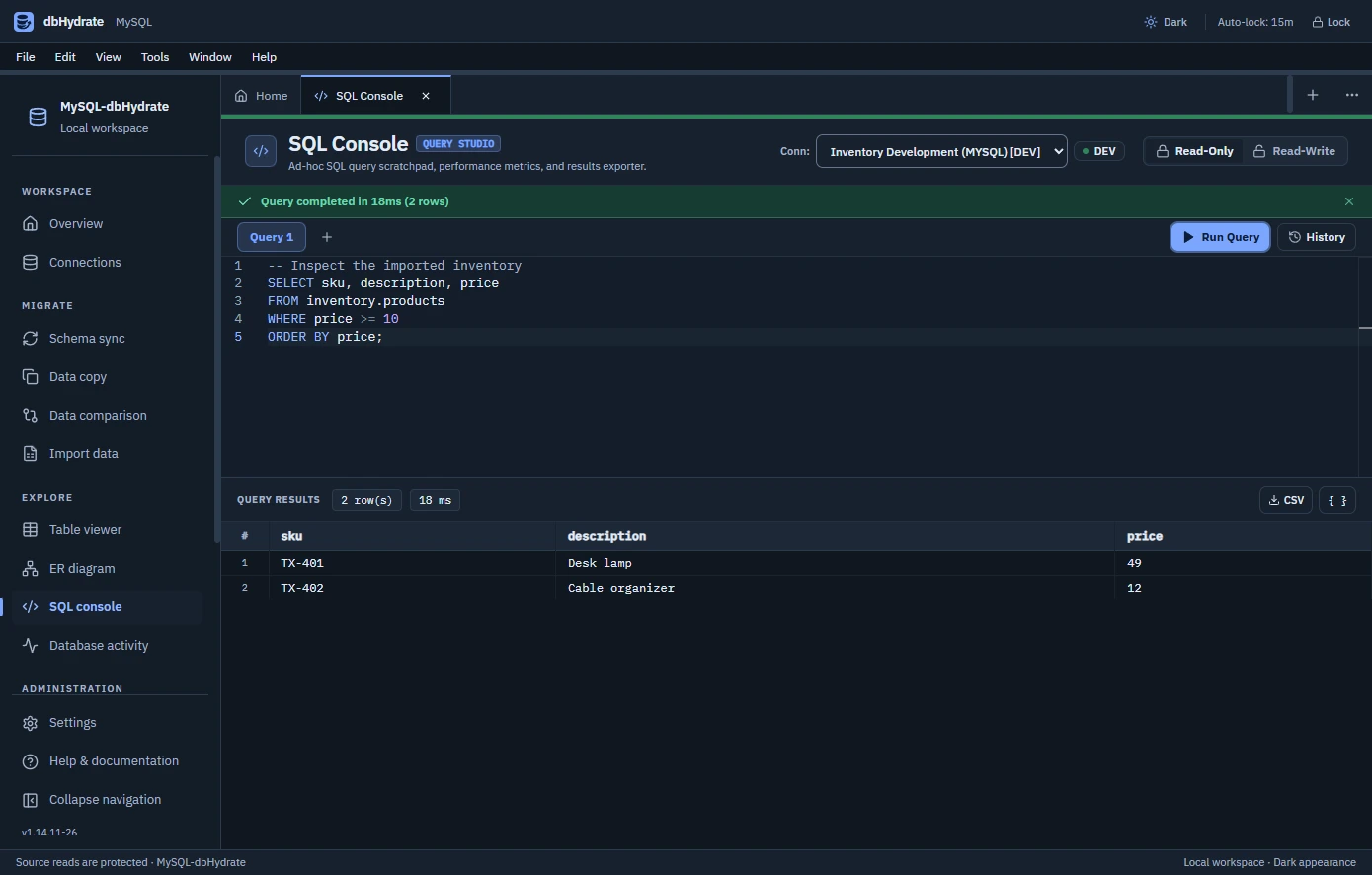
Ask the next question in SQL.
Investigate imported records in query tabs, revisit recent statements and export results as CSV or JSON. The SQL console also understands MySQL DELIMITER directives for scripts.
DDL can commit statement by statement. Select schema differences, inspect their SQL and rehearse on a shadow target before reviewing recovery information.
inventory.productsPROPOSED COLUMN
+ supplier_codevarchar(40)
DIFFERENCESSHADOWRECOVERY
A MySQL schema plan is not one automatically reversible transaction. Read the rehearsal warnings and recovery SQL.
Check the records, cell by cell.
Compare selected tables with common primary keys. Inspect changed and missing rows within the configured limit, then review generated synchronization SQL.
MySQL account identity includes a host, and MySQL DDL needs its own rehearsal approach. Explore the separately licensed editions when your next connection needs PostgreSQL roles or SQL Server login and user controls.
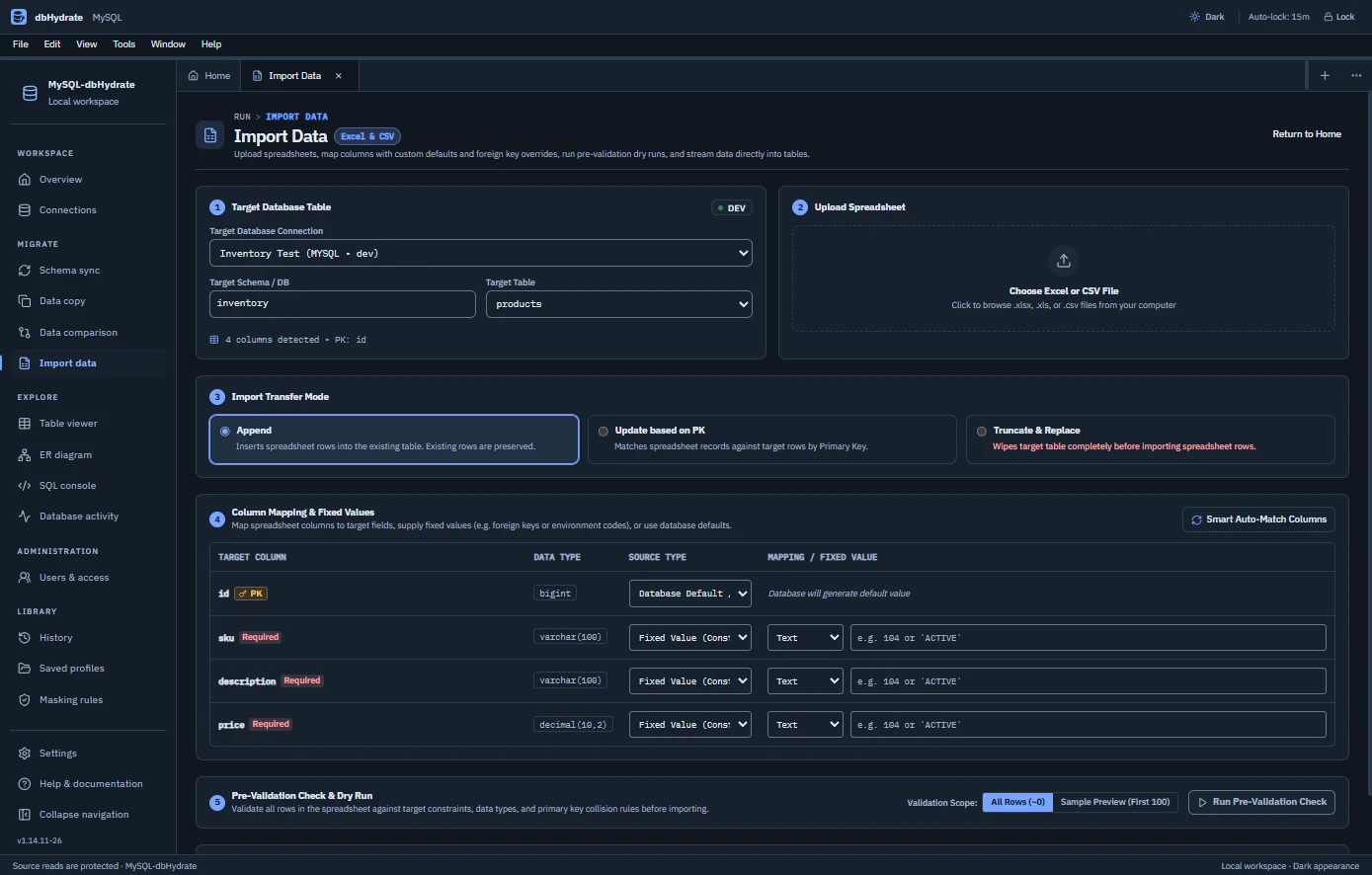
Import and validate mapped Excel or CSV data, run SQL, edit records, design ER diagrams, compare schemas and selected rows, copy masked data and inspect supported MySQL users, hosts, grants and database activity.
Can I match an imported file to existing MySQL rows?+
Yes. Map the workbook or CSV columns, set fixed values or database defaults and validate the input. Supported import behavior includes append and matching existing primary keys with per-column update choices.
How are MySQL schema changes rehearsed?+
MySQL DDL can commit individual statements. dbHydrate rehearses on a shadow target and shows warnings, snapshot information and generated recovery SQL. Review these before applying; a schema snapshot is not a table-data backup.
Does the MySQL SQL console understand DELIMITER?+
Yes. MySQL DELIMITER directives are supported when executing scripts. The console also provides separate query tabs, recent history, timing, row counts and CSV or JSON result export.
Can I review user and host permissions?+
Yes. Inspect supported MySQL user and host accounts, direct database and table grants and role membership. Supported password, login and TLS controls require appropriate database permissions and review.
Which MySQL versions and desktop packages are available?+
The published catalog lists MySQL 8.0 / 8.4 LTS. Download packages: Windows x64 installer, Windows x64 portable. Use the current catalog when choosing a target version and installer.
What are the MySQL trial and license terms?+
The published product trial is 14 days. Current billing options: Monthly: $10.95 every month; 1 year: $99 every year; 2 years: $148.50 every 2 years; 3 years: $207.90 every 3 years. Each seat allows 2 device(s) for this product. PostgreSQL, MySQL and SQL Server have separate edition licenses.
CONTINUE WITH ANOTHER EDITION
A different database in your stack?
Choose the product for the engine you connect to. Each edition brings its own syntax, permissions and schema-change behavior.
dbHydrate for PostgreSQL
Follow PostgreSQL relationships, review phased DDL and inspect supported login roles and grants.
 dbHydrate
 Look inside the MySQL SQL console